Project title: “Circles of Life”
(click on thumbnails for a larger view)

Before any cutting or gluing or tweaking, I had these plans to physically show for my project. The many circles cut into these pieces are one reason I named this project “Circles of Life.” Because the laser cutter in the shop can only cut up to 1/8th inch wood, some pieces had to be cut twice then sandwiched. Also, because the plywood was ever so slightly warped, some pieces had to be run over a second, and even in places a third time with the cutter. This resulted in more burning than normal near the edges, and is the reason why some pieces appear smeared with ash. Rather than try to hide this with the less burned sides facing out, I decided to make these burns part of my project.

The two outer frame pieces were sandwiched so that minimal burning was shown, but the inner pieces, the wheel, hopper holder (hopper being the pot assembly that holds the bird seed), motor holder, and the frame that holds the wheel were sandwiched to show their more burned sides on the outside. The idea is that to represent growth in the circle of life, the outside may appear clean and orderly, where the inside is really dirty and chaotic. We watch a flower grow, and it generally follows a predictable pattern. Stem sprouts from the seed, flower reaches up to the sun, leaves and bud develop and bloom. I’m picturing one in my head right now. But inside the flower, in the processes that help this plant grow, those are the complicated ones. We can make artificial flowers that bear much resemblance to the real thing, when you don’t touch or look to closely, but we can’t grow flowers apart from their natural process. We can’t duplicate it. These burns are almost like fingerprints or the growth process—unique to these wood pieces and all but impossible to duplicate. And I definitely had time to think about all this while it was being cut. The laser cutter recuts at the same speed every time, regardless of how much was cut previously, or even if it’s cutting everything (not all parts needed the double do over). That means the normal 15ish minutes to cut one plywood board full of designs extended into the running time of your favorite TV show, sans commercials. Not all the cuts were like this, but enough.

Next came the sandwiching of pieces, which required moisture on both gluing surfaces before the Gorilla Glue was applied, something about helping the curing process.

When all pieces were glued and clamped, I let them sit for a few hours. Everything lined up very well, except for a few edges that required sanding and filing to even out due to the warped wood for cutting. But nothing a total of several minutes didn’t easily fix.

The motor holder used the same process as the other pieces, sans clips. The main thing with the motor was to make sure none of the glue got on or seeped onto moving parts. No problems there, and I tested the rotation occasionally to ensure nothing moveable was being hardened.

Here is an overall photo of my project before final gluing, just showing where everything would go. The biggest change between then and now that can be seen is the unfinished hopper.
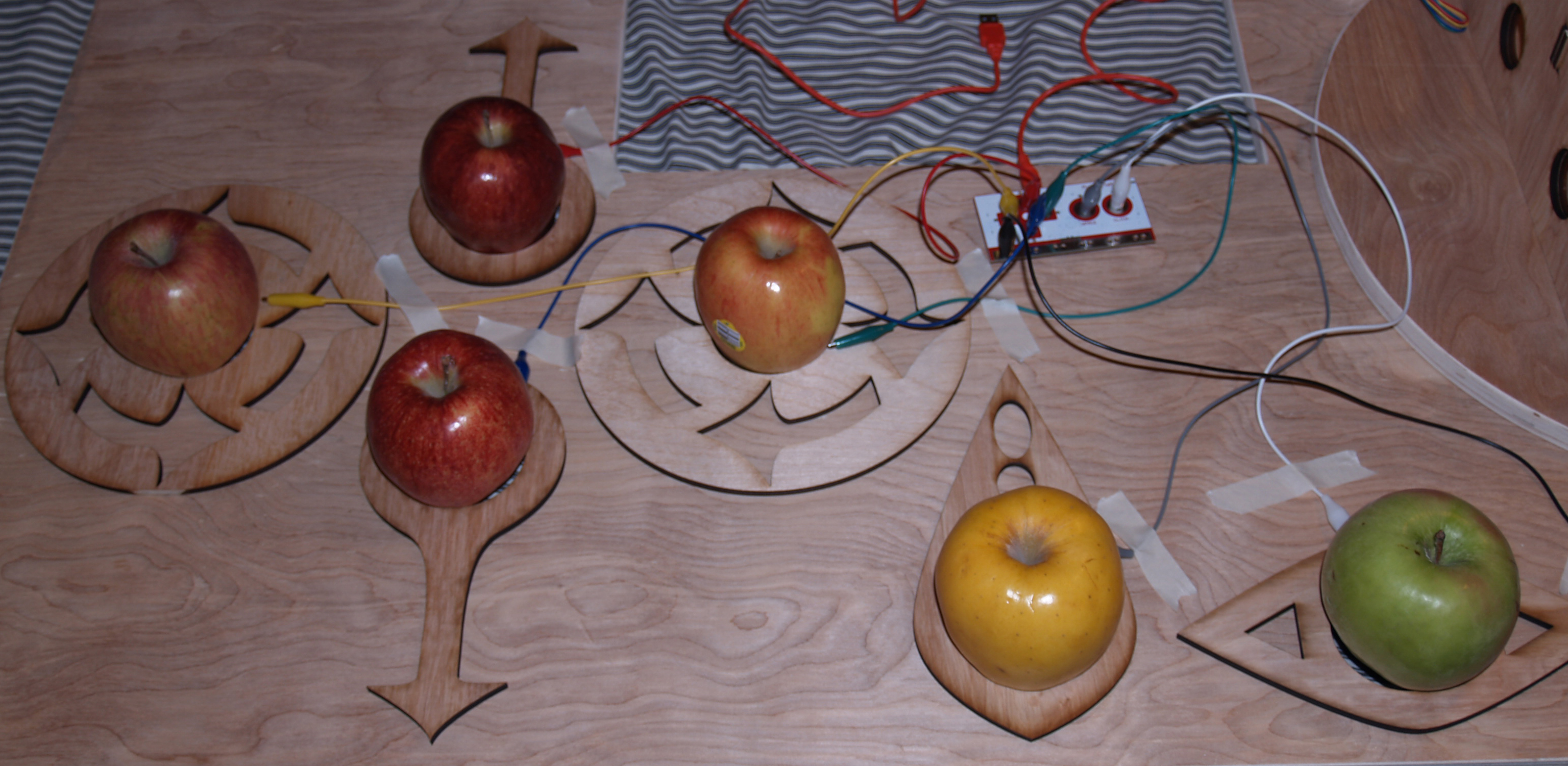
Here is a close up of the apple keyboard (my program runs on an apple computer…) with the Makey Makey circuit in the shot. The Makey Makey is a premade device that hooks up to a computer and fools the computer into thinking its inputs are regular keyboard keys.

The Arduino wiring looks a bit messy, but it’s nothing too complicated. It’s basically the wiring from http://arduino.cc/en/Reference/StepperBipolarCircuit with a button added on the top for testing the motor earlier on.
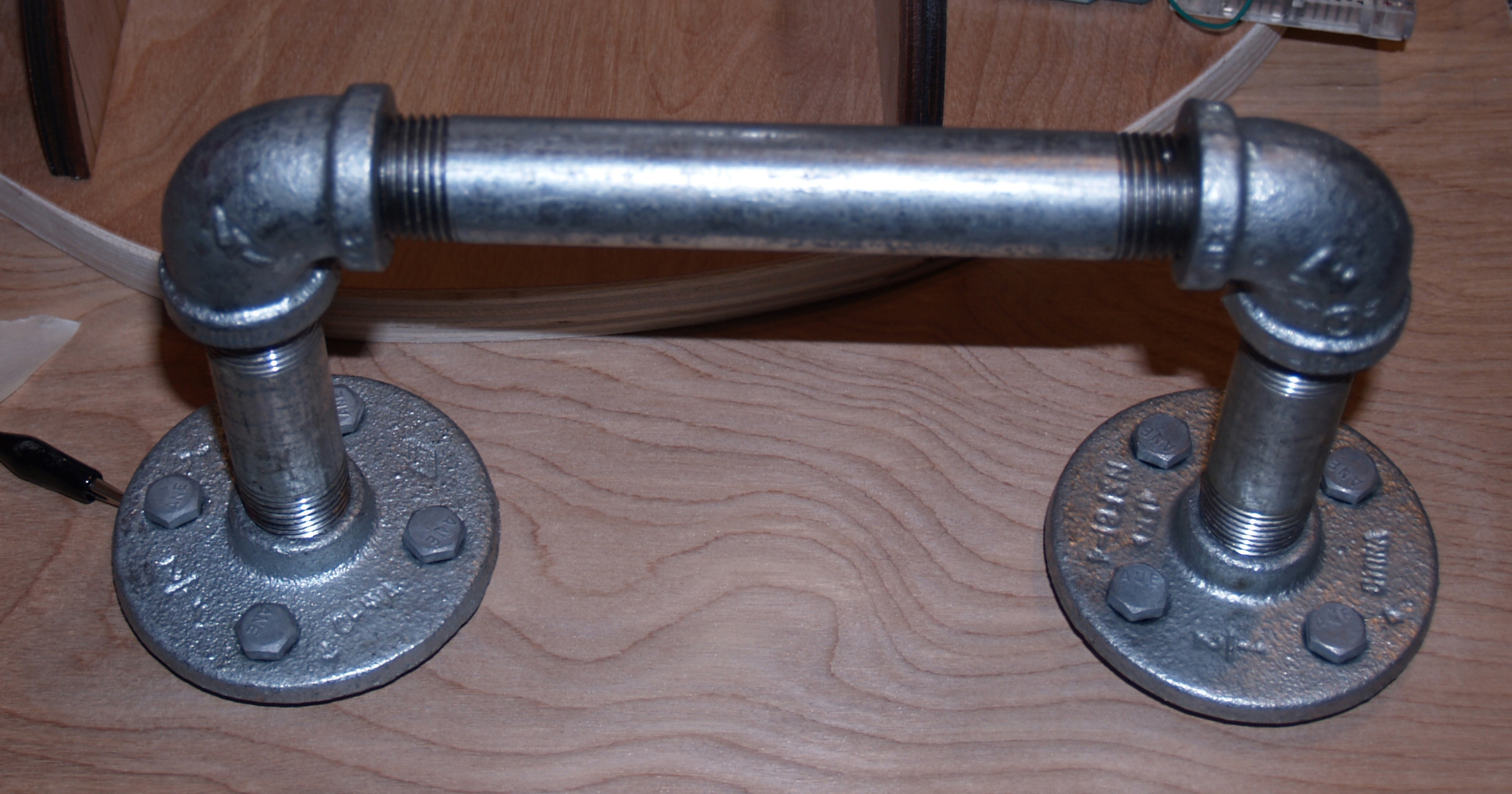
This is the ground for the Makey Makey, and the user must stay in contact with it while using the keyboard, to complete the circuit with the tiny bit of voltage the MM uses to determine key presses.
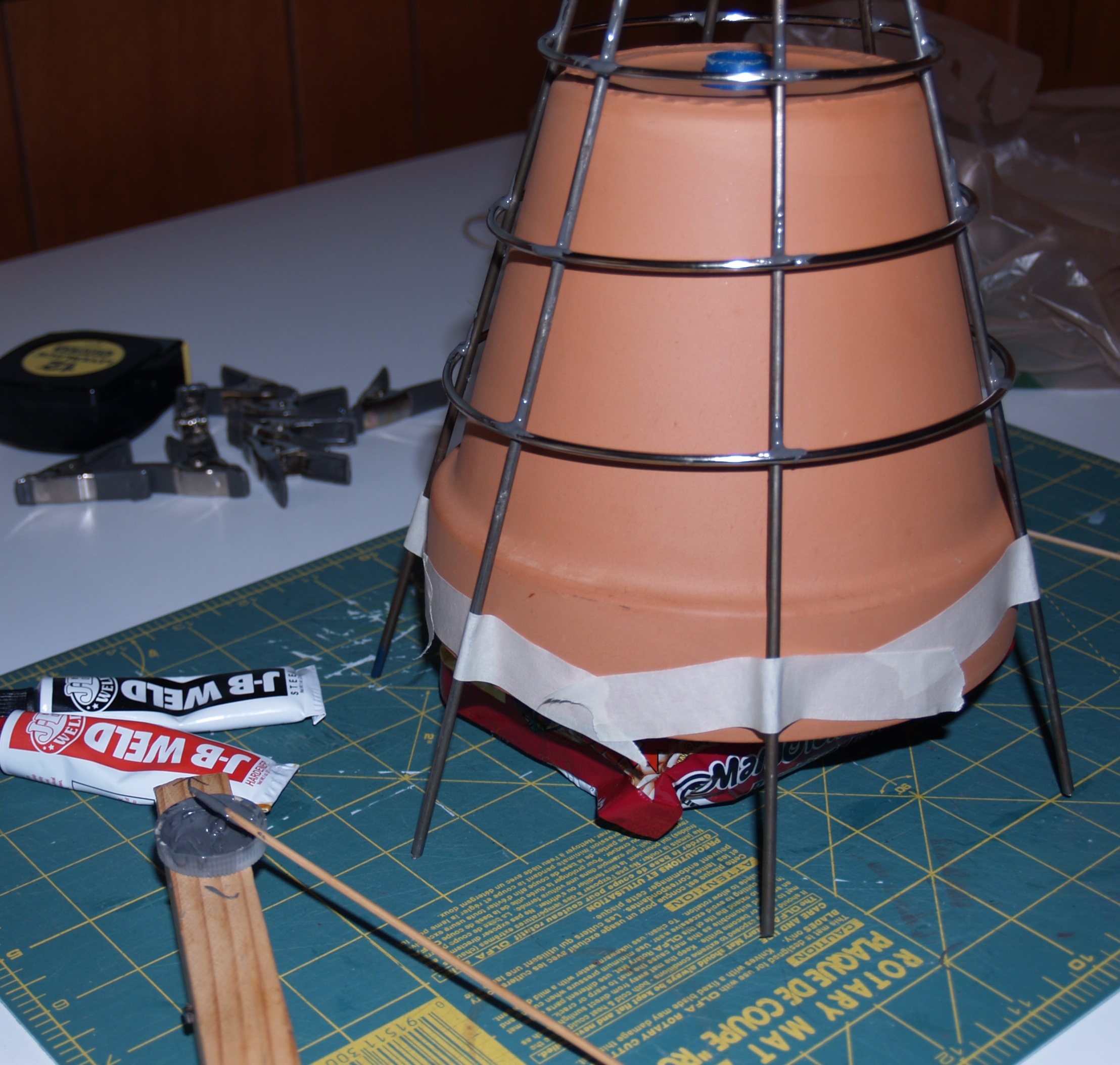
This is my first attempt at building the hopper holder with wire. I bought premade rings from Hobby Lobby, and the 16 gauge rods from Home Depot. They were strong and sturdy, but turned out to be more difficult to bend than I anticipated. I could bend them, but the force seemed unnecessary for this project. The pot is not that heavy. Plus, the rings kept falling off after the glue set and shifting around during gluing due to the wires not bending out to a perfect circle. Only some wires supported the rings, and that made them unstable and a pain to work with. That became a recurring scene several times, until I ditched the rings altogether. The hopper functions fine without them, they were also an aesthetic choice, like a spider’s web holding the pot. On the upside, a package of beef ramen and a small soup can were just the width and height I was looking for to hold the pot up during gluing. So soup is good for more than eating. Eventually, I snipped lengths off of coat hangers and found a happy medium: strength and flexibility. The rings still fell off twice though.
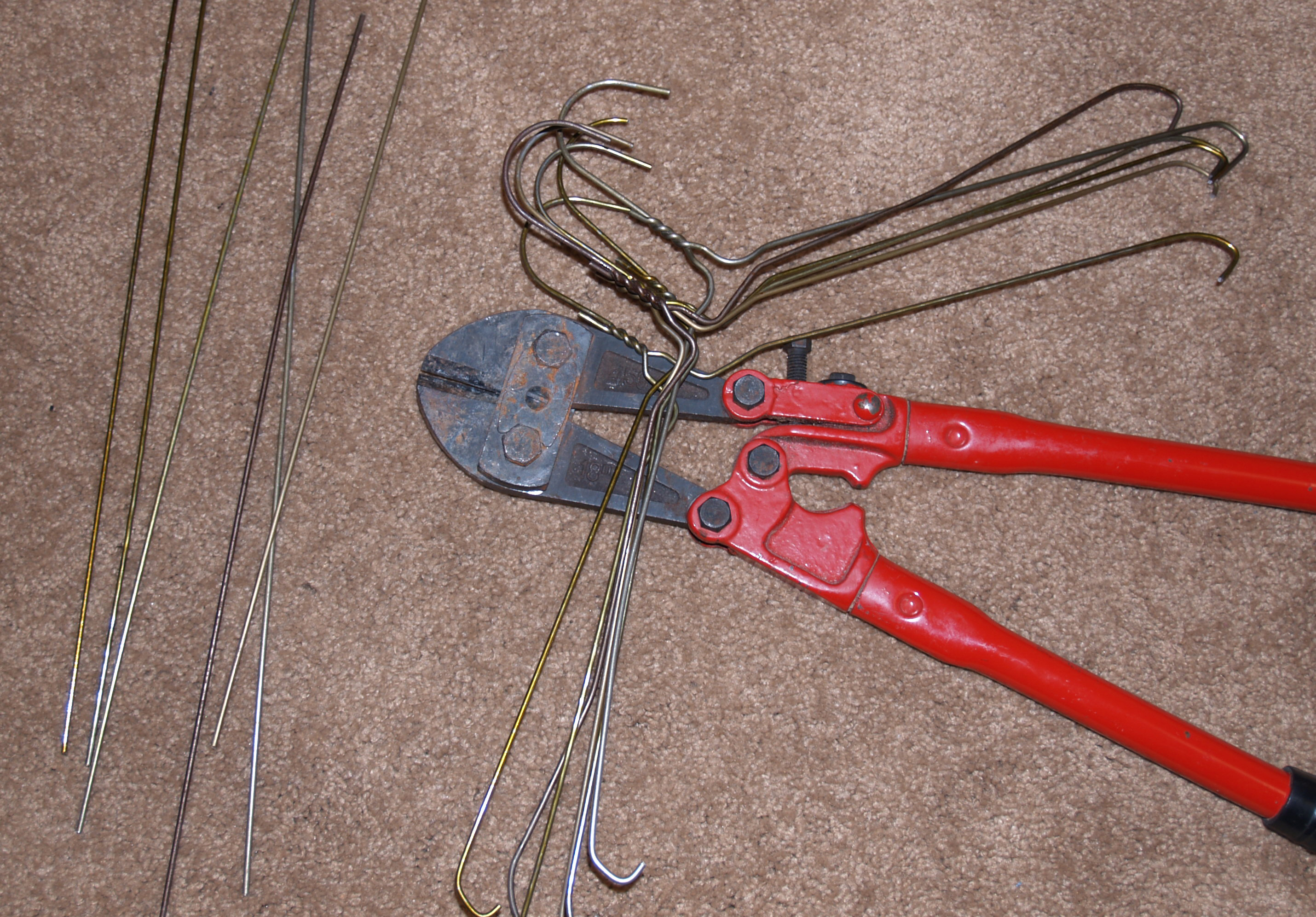

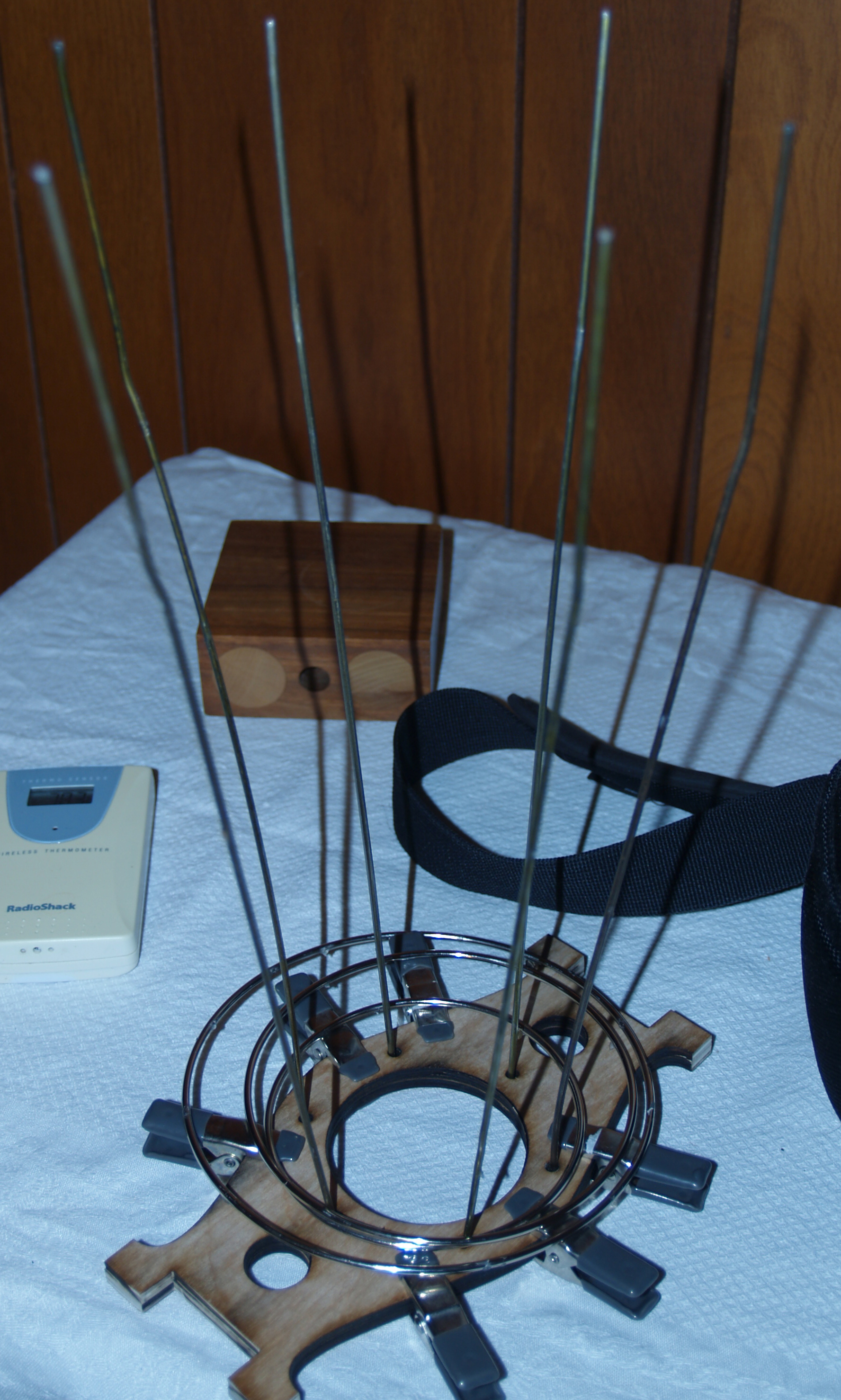
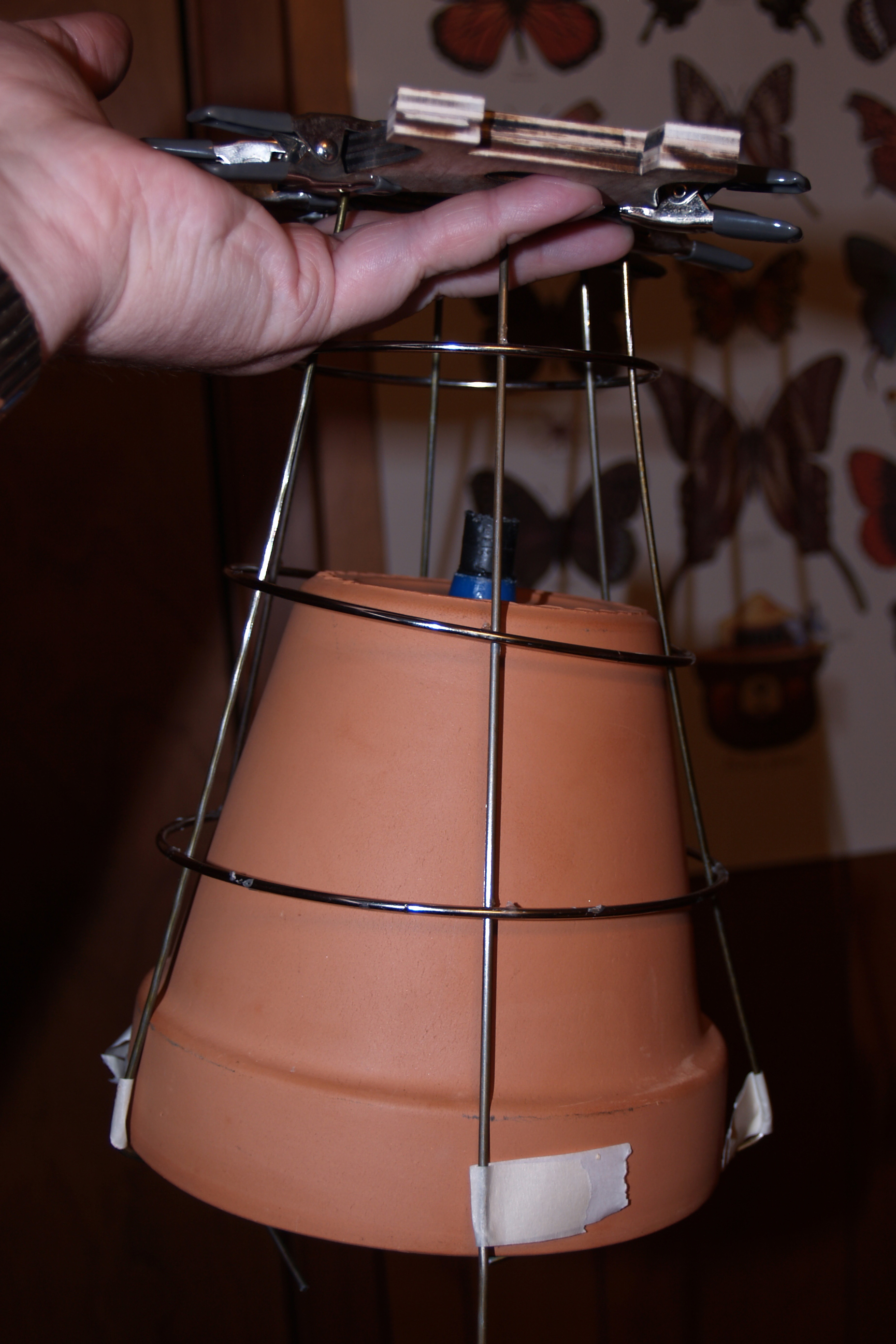
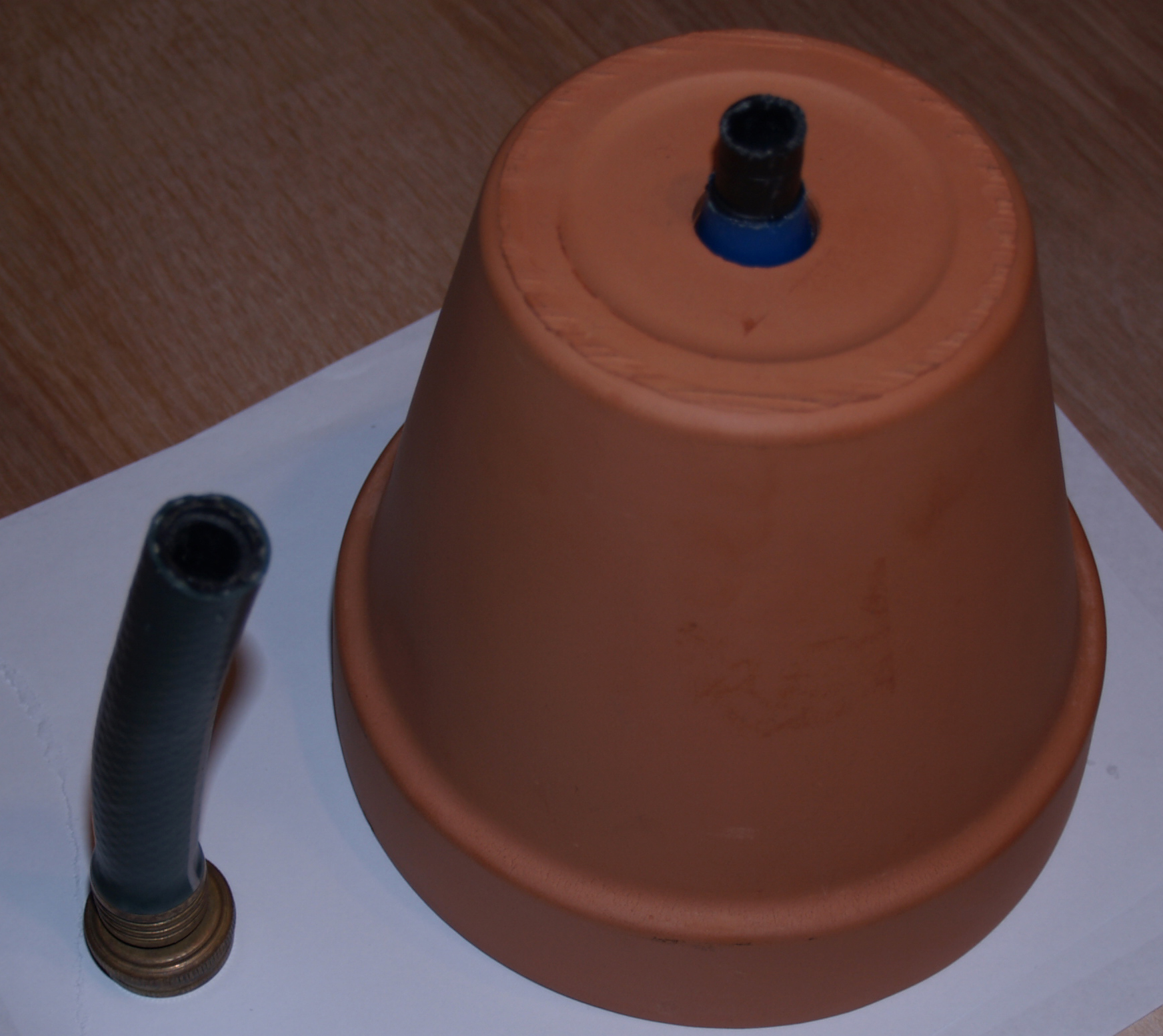
Still, the assembly would likely fall apart if the pot was left in continuously, so it’s not glued in. The pot is just set on top of the inlet hose into the coat hanger holders, and that holds it fine for my purposes. During the plan design, I had contemplated cutting wood pieces that were fit to hold the pot. They would have been curvy, come to a point, and hugged the outside shape. Those probably would have been sturdier, but I really wanted an ethereal look for the pot holder. Whether you look at the whole assembly and see the hopper as the top of a flower, the sun, or the roots, all three of those have an ethereal, thin quality. Wispy, almost. While something more than wispy is needed to hold the pot up, I tried to find a compromise. Because the game uses flower sprites to further the growth and circle of life from seeds, I decided since I couldn’t have the rings, I should push the flower aspect in my physical design, something I’d been puzzling over up until that point, how to tie the game more closely to the design. A few plucking of synthetic flowers from their synthetic stems later, with some super glue, and the hopper holder was finally complete.
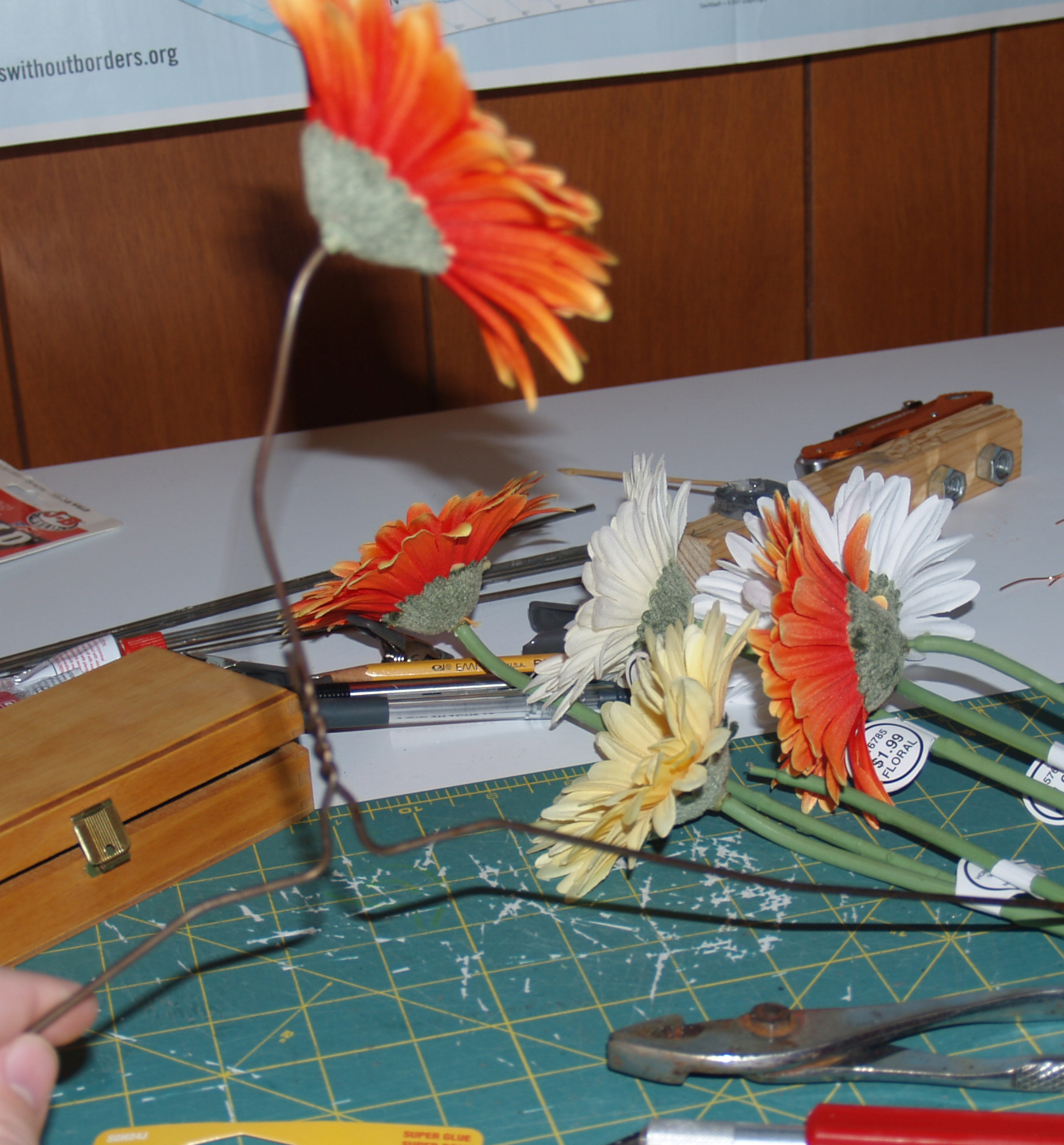
Part of this process of assembly was ongoing during setup and the running of Vizagogo, and since I was the exhibition chair for this year, which meant I could only work on those parts a bit in the morning and late at night when I got home. That whole hopper piece, with its multiple iterations, took several days for a relatively simple build. Simple, but frustrating with all the structural failures. But it finally works, and looks good I think. The dark smears on the pot are my aborted attempt to glue the same glass beads I used in the wheel to the pot. Hot glue would have been better than Gorilla glue due to it’s much shorter set time, but I was already hesitant about making the pot too gaudy, and I didn’t want to detract from the wheel.
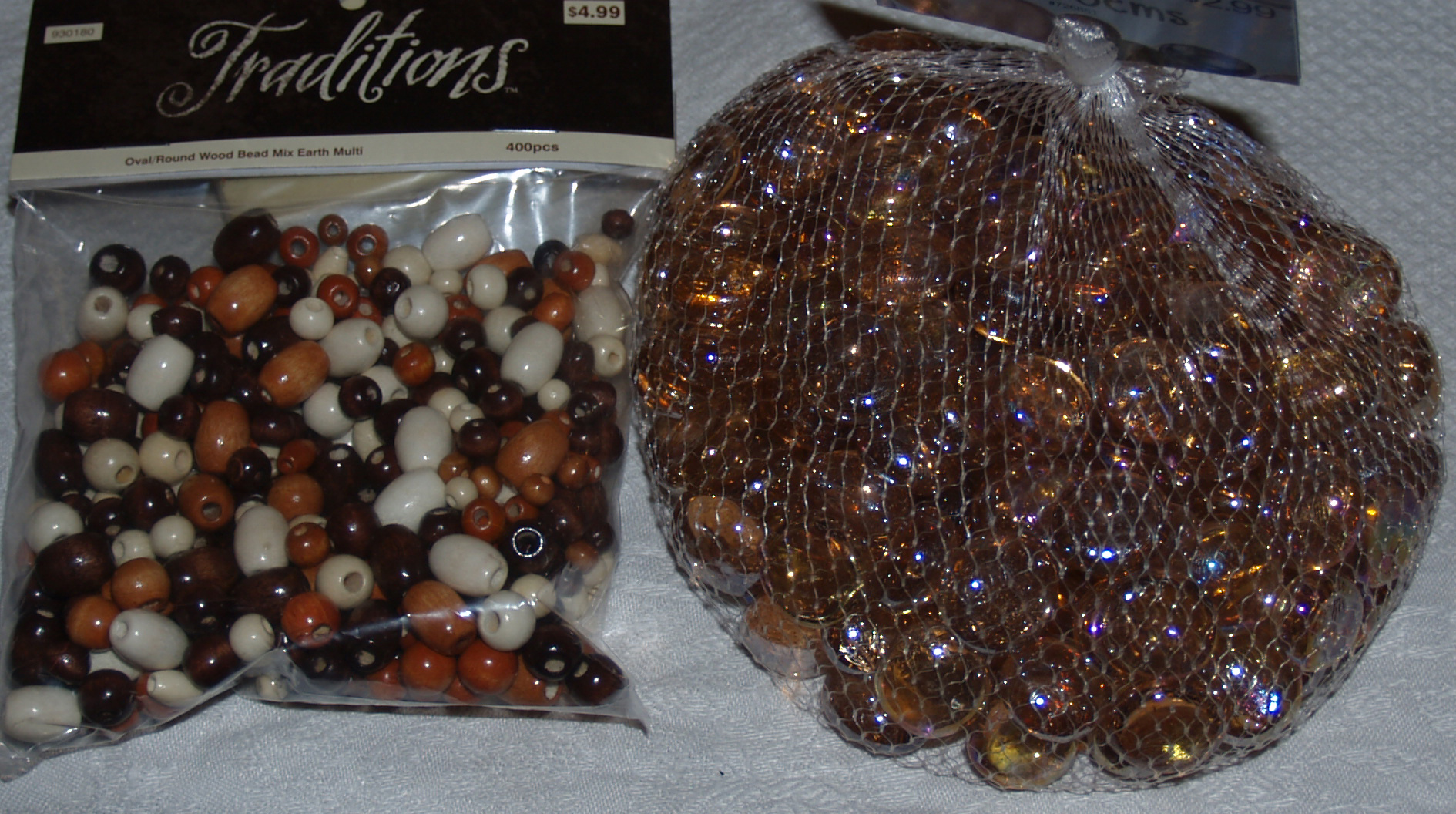
After nearly a full row kept sliding off the pot (Gorilla glue expands as it dries so that could have something to do with it), I stopped trying to glue the beads. It’s for the best, aesthetically. The pot, like many of the other components, is just a ceramic pot. It doesn’t need to be a shiny pot, that’s not its function. Such is my rationale. The pot serves its purpose, and its look shows that purpose, un-obscured by shiny blobs. Originally I was going to use the wooden beads on the left for this purpose, but I liked how the glass beads worked with the acrylic and drew more attention to the wheel.
The game was made in Game Maker, and I based my interface object between GM and Arduino on some very helpful GM forum posts I found during my research. This page was the most helpful. The GM object I downloaded needed some alteration to work with my project, but the scripts and library the object uses were invaluable. http://gmc.yoyogames.com/index.php?showtopic=530696


 Physical Computing, Round 2